Video to ASCII

Transform a short video or GIF into moving character art. Choose the section and sampling rate, adjust the character texture, preview the frames and export a silent looping GIF with the look you selected.

Tool view
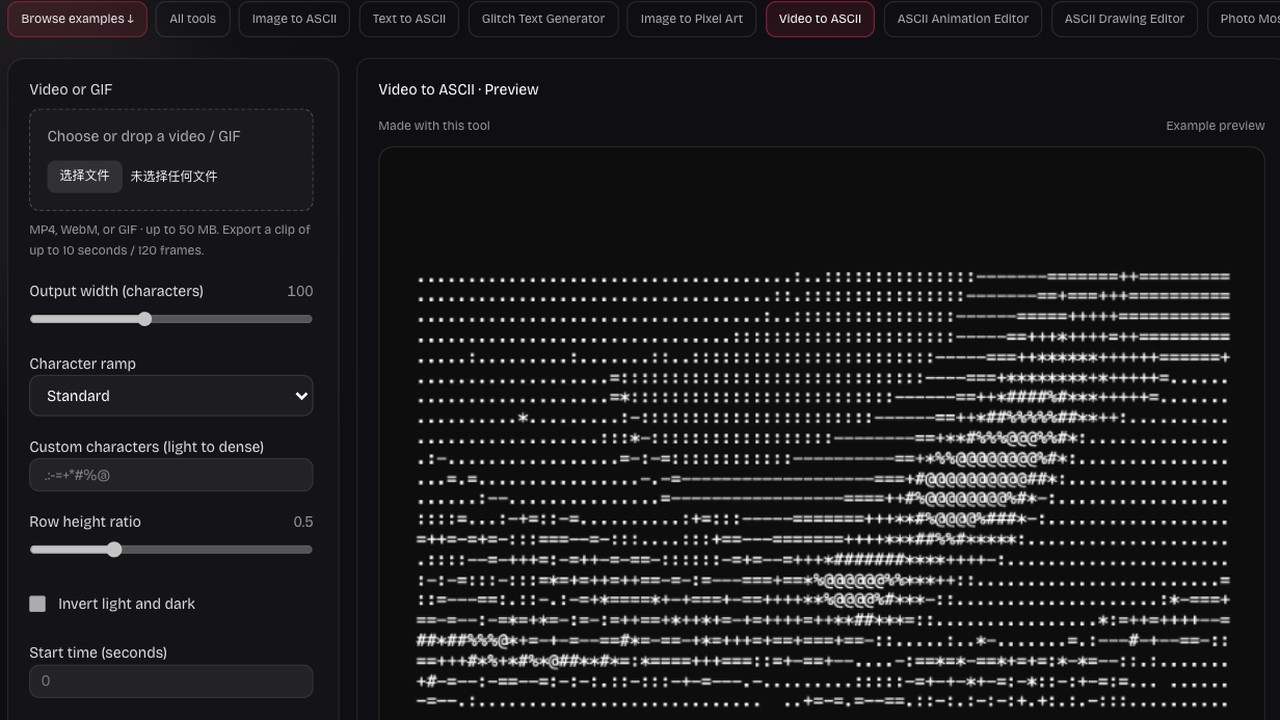
Video to ASCII · Preview
Made with this toolExample preview

Motion in characters

A real five-second clip converted to 50 editable ASCII frames. Load it to adjust the settings, or upload your own.

Processed on your device. Plain text uses a monospace font; PNG keeps the chosen colors. SVG exports the current frame as a static image.

Start with an example

Real outputs made with this tool. Load a sample, then make it yours.

Click to load · fully editable
Optional paid enhancements

Basic tools and their normal exports stay free. Subscription effects use no credits; AI rendering uses 1, 2 or 3 credits per attempt.

Premium effects

Basic, Pro and Max include all six effects. No credits are charged. Your free tools and original exports stay available.

Applies to a snapshot scaled to at most 1024 pixels per side and 1 MiB. Video and animation use the current frame. Text remains unchanged.

Create an artwork above to use premium effects.

AI artwork rendering · 1–3 credits

Finish your current artwork with AI. All accounts can use credits; a subscription is optional. For animation and video, only the current frame is used.

This action uploads a bounded image of your current result to our AI service. Your original text, frames and source remain unchanged. A new render uses the displayed credit cost. Check your credit history for any adjustments after a failed generation.

Create or load an artwork first.

AI render1 credit

Recognizable movement, a new character surface

A moving subject needs a readable outline across several frames. Compare the clip with its character interpretation, then balance grid detail and contrast so the action survives rather than becoming a field of changing texture.

Original input

Result example

Convert a short clip in three steps

Convert your clip

Choose the clip and starting point

Select an MP4, WebM or GIF file. Set the start time and choose a section of up to ten seconds that contains the movement you want to show.

Sample and review character frames

Choose the frame rate, columns and character ramp, then convert. Play the sequence and inspect individual frames to check the silhouette, contrast and rhythm.

Edit a frame and export motion

Refine character text where needed, then download a looping GIF. Export a still frame when you want a single image or character snapshot from the sequence.

Give a short action a character texture

Implemented video workspace controls and preview

Pick the moment worth converting

A short gesture, turning object or moving silhouette can carry the effect more clearly than a long scene. Start time and duration let you focus on the relevant section instead of converting the entire file.

Try this workflow
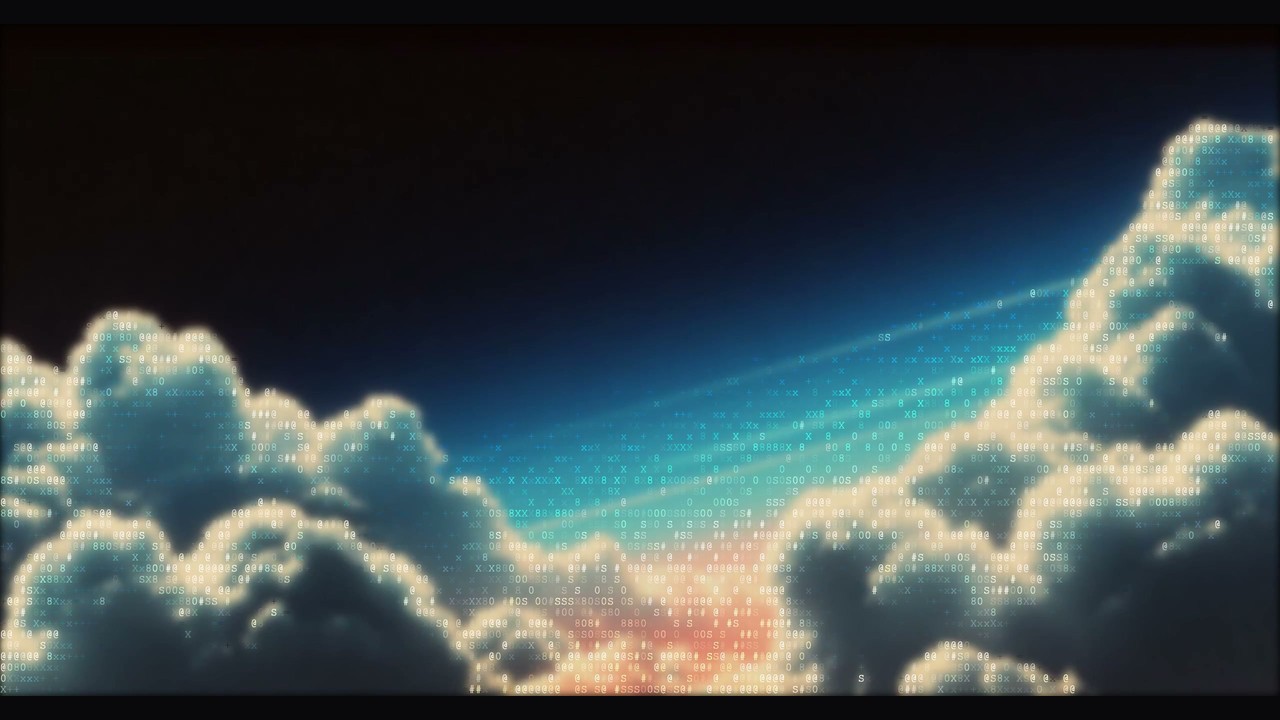
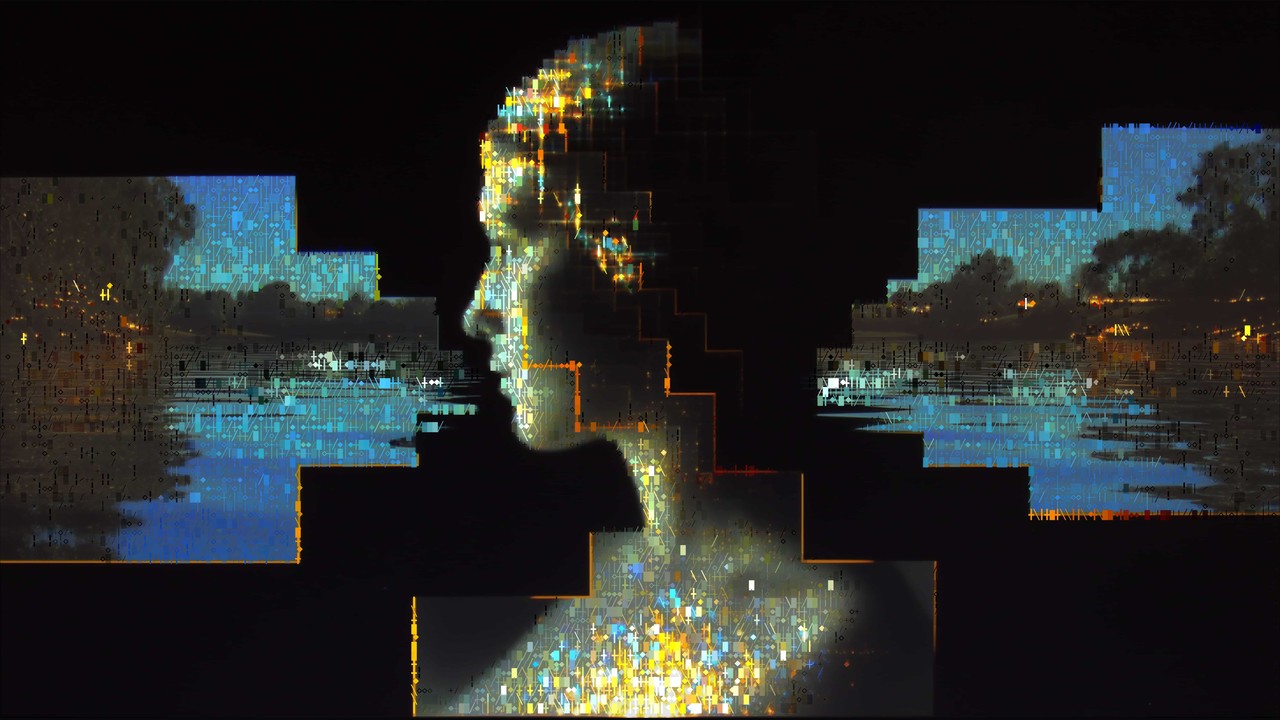
Cloud landscape built from printable characters

Balance motion with frame sampling

Choose between two and twelve sampled frames per second. A higher rate captures more positions of a quick action, while a lower rate creates a more stepped rhythm and uses fewer frames in the result.

Try this workflow
Woman beside water rendered with mixed characters

Use the same character rules across frames

Grid width, ramp and tone settings determine the texture of every converted frame. Tune them around the moving subject so its important contours remain visible as the light and position change through the clip.

Try this workflow
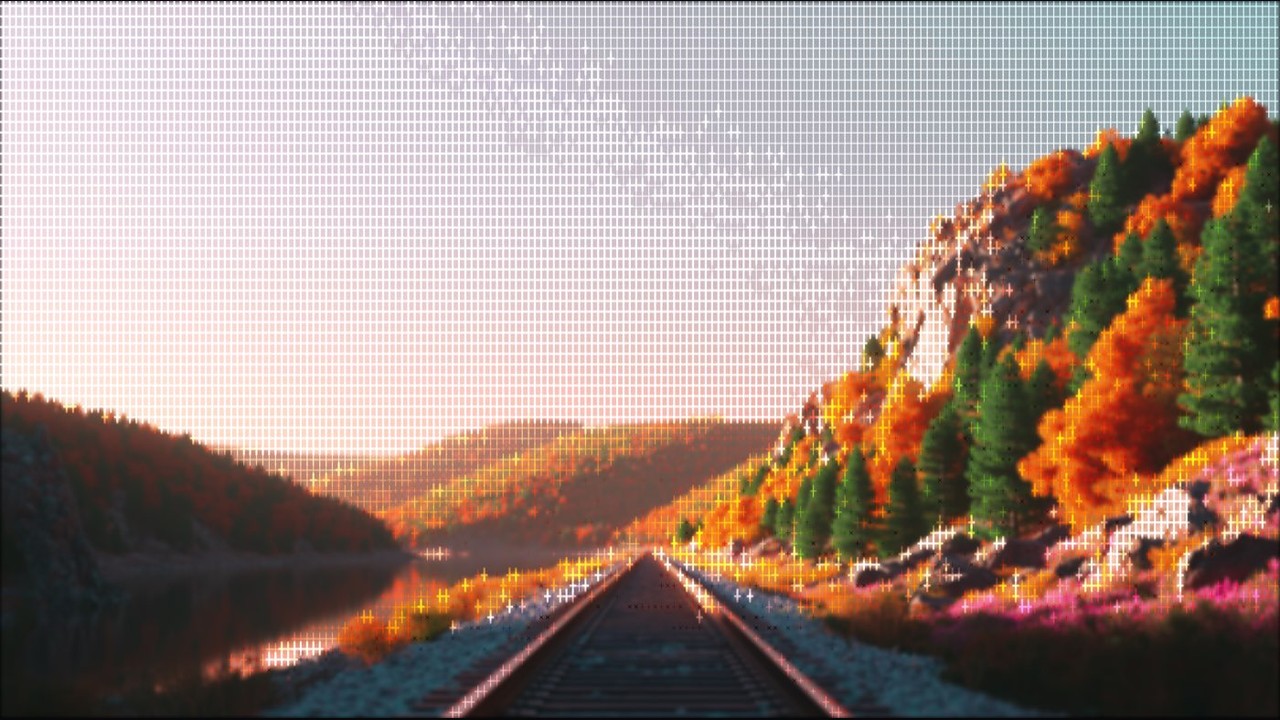
Forest road rendered with cross-shaped characters

Review the sequence and individual moments

Play the ASCII video to judge the complete movement, then pause and select frames to inspect specific details. A frame that looks clear alone can still create distracting flicker when surrounded by neighboring positions.

Try this workflow
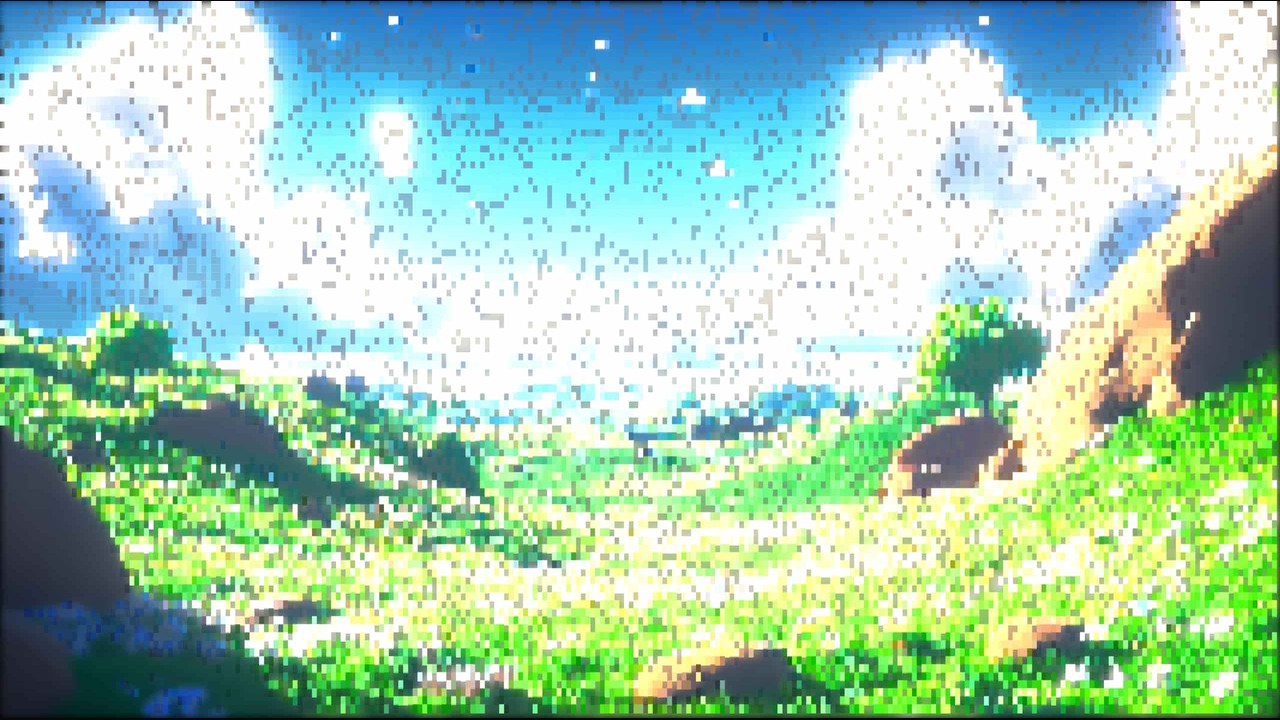
Bright grassy landscape in block characters

Share motion as a looping GIF

GIF export renders the character sequence with a solid background and no audio. Choose a readable foreground and background pair, then use a still PNG when your destination needs one moment rather than an animation.

Try this workflow

Keep the clip focused on readable motion

Character video is most useful when the action remains clear at a modest size. A short section, a consistent texture and a preview of the actual sequence help you choose a result that works where it will appear.

The relevant moment

Trim around the gesture or movement that carries your idea. A focused section makes the transformation easier to understand and compare.

A deliberate visual rhythm

Set the sample rate for the pace of the clip. Watch the result rather than assuming more frames always produce a better treatment.

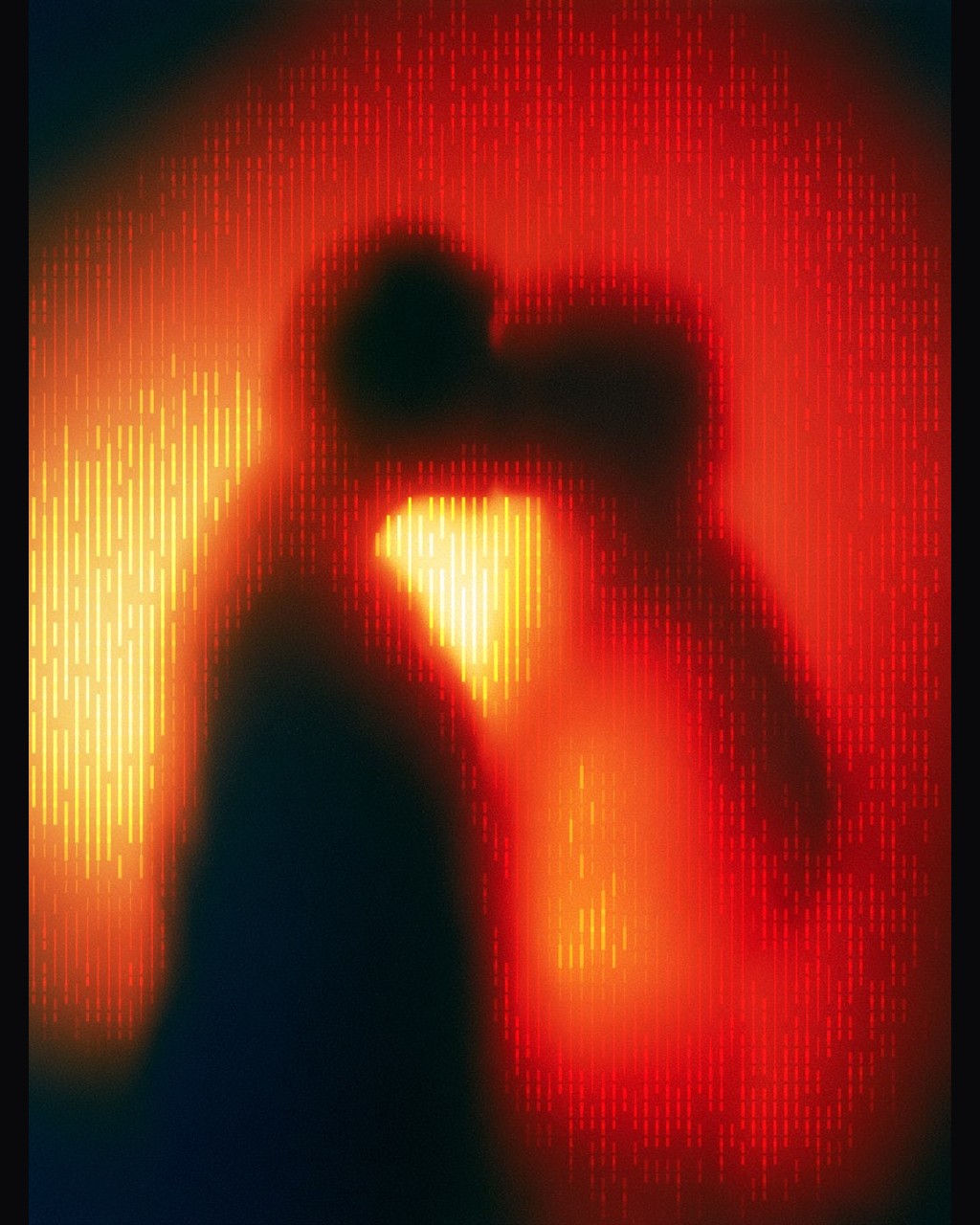
Red silhouetted figure rendered with vertical glyphs

Frame level refinement

Inspect a paused frame and edit its characters when a small correction helps. Preserve an export before regenerating the sequence.

A portable moving illustration

Use a GIF for silent motion in a compatible destination. Its rendered character appearance is more predictable than trying to animate pasted text.

Questions before you start

ASCII Art Generator

Turn a short moment into character motion

Choose a clip with a clear action, compare the frames and export the moving interpretation you want.

Convert your clip