Photo Mosaic Maker

Rebuild one picture from a collection of smaller photographs. Choose a target and your tile photos, balance color matching with variety, then export a mosaic that reveals the main subject from afar and individual memories up close.

Tool view
Photo Mosaic Maker · Preview
Made with this toolExample preview

Bouquet of pictures

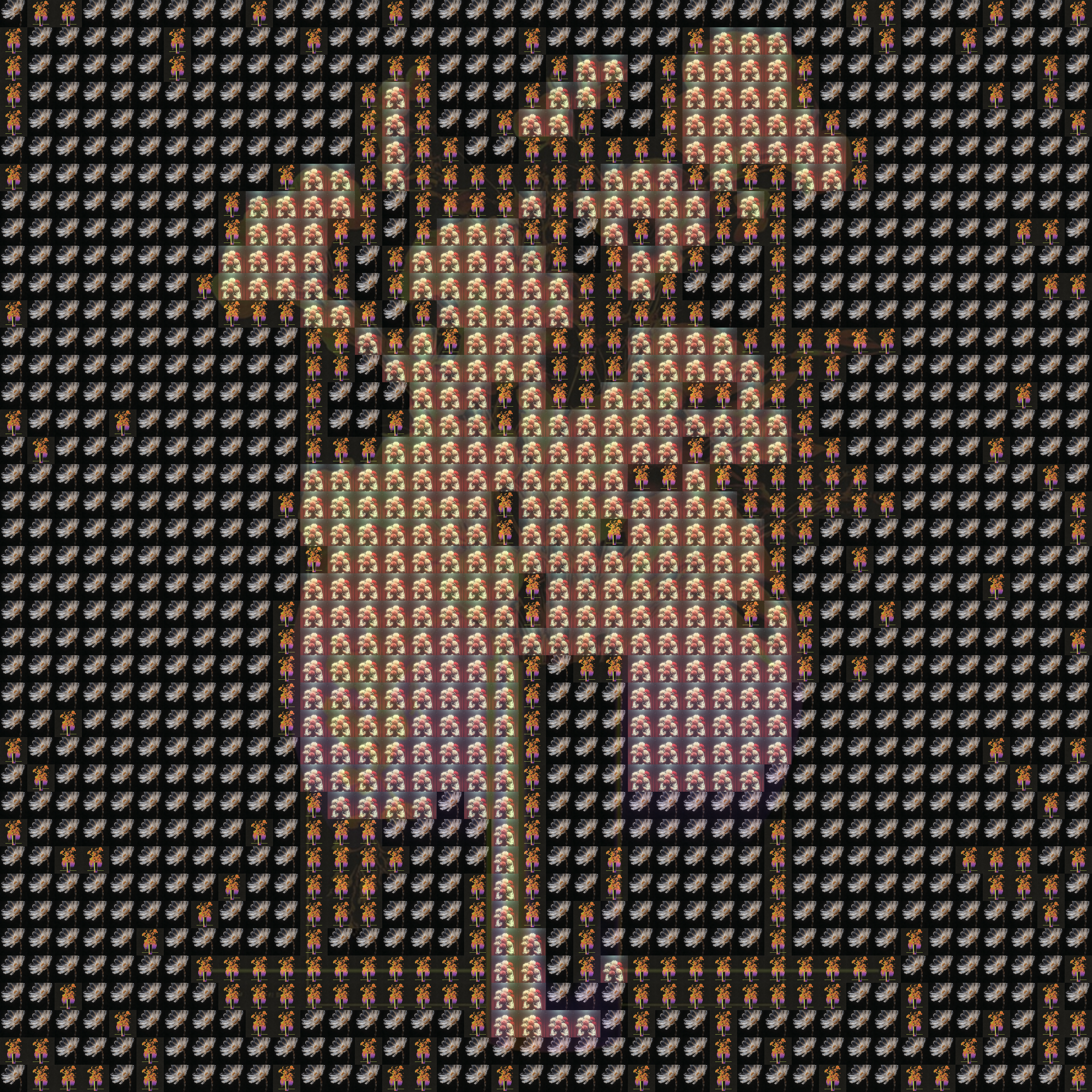
Six actual sample photos form the colors of a floral poster. Load it to adjust the settings, or upload your own.

Processed on your device. Plain text uses a monospace font; PNG keeps the chosen colors.

Start with an example

Real outputs made with this tool. Load a sample, then make it yours.

Click to load · fully editable
Optional paid enhancements

Basic tools and their normal exports stay free. Subscription effects use no credits; AI rendering uses 1, 2 or 3 credits per attempt.

Premium effects

Basic, Pro and Max include all six effects. No credits are charged. Your free tools and original exports stay available.

Applies to a snapshot scaled to at most 1024 pixels per side and 1 MiB. Video and animation use the current frame. Text remains unchanged.

Create an artwork above to use premium effects.

AI artwork rendering · 1–3 credits

Finish your current artwork with AI. All accounts can use credits; a subscription is optional. For animation and video, only the current frame is used.

This action uploads a bounded image of your current result to our AI service. Your original text, frames and source remain unchanged. A new render uses the displayed credit cost. Check your credit history for any adjustments after a failed generation.

Create or load an artwork first.

AI render1 credit

One main picture, many smaller stories

The target provides the overall composition, while your tile collection provides the photographs inside it. Compare the complete image and a closer view to find a balance between a recognizable subject and visible individual tiles.

The same bouquet reconstructed from three real tile photographs
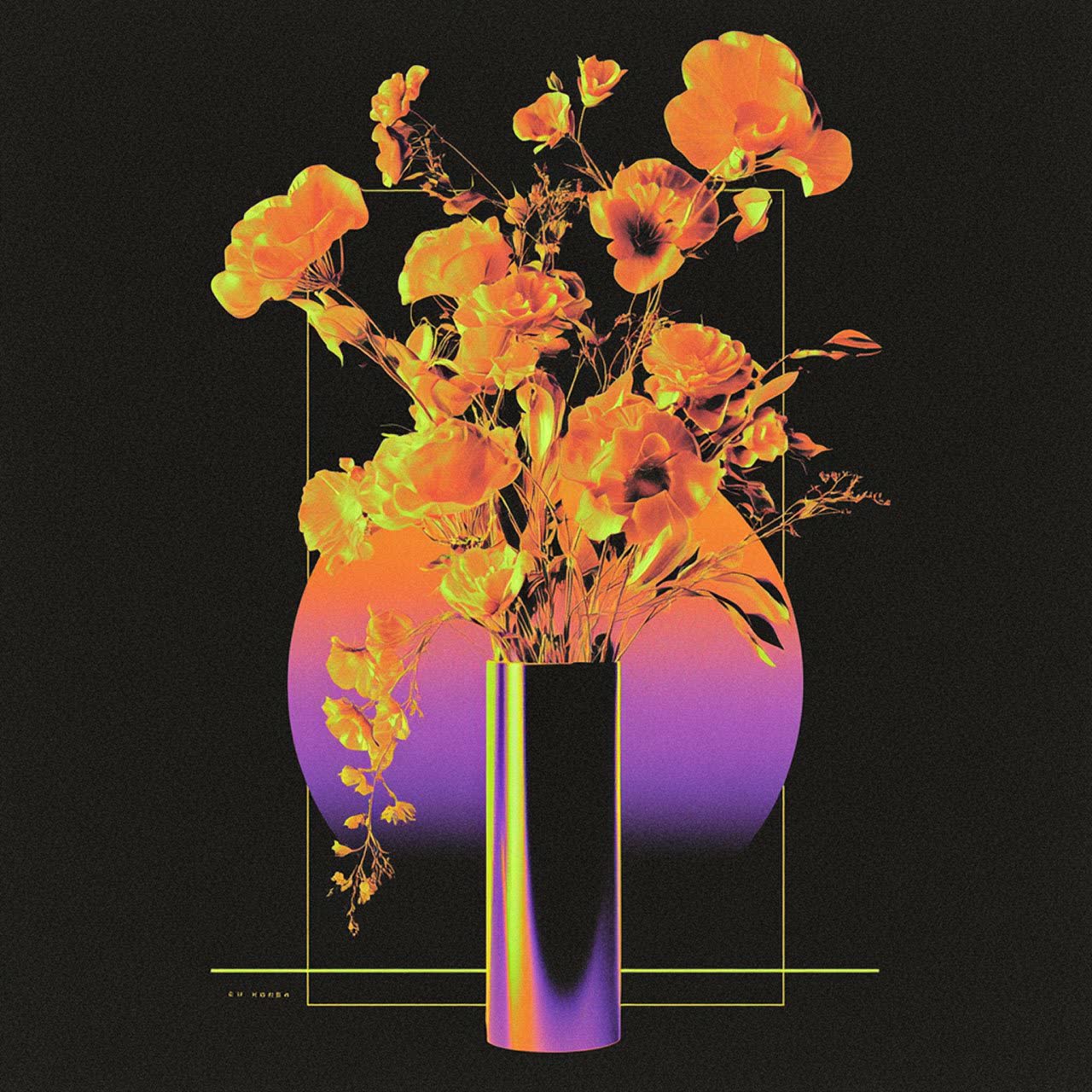
Original neon orange bouquet in a purple vase
Original inputResult example

Build a photo mosaic in three steps

Make a photo mosaic

Choose the target and tile photos

Select the main picture, then add a collection of JPG, PNG or WebP photos for the tiles. Include a range of colors and tones for more useful matches.

Balance detail, color and repetition

Set mosaic columns, adjust tile variety and try the color overlay. Compare the large subject with the smaller photographs so neither part of the result disappears.

Inspect and export the mosaic

Zoom closer to check individual tiles, then return to the whole composition. Download the PNG when the picture reads clearly at both viewing distances.

Make the collection part of the picture

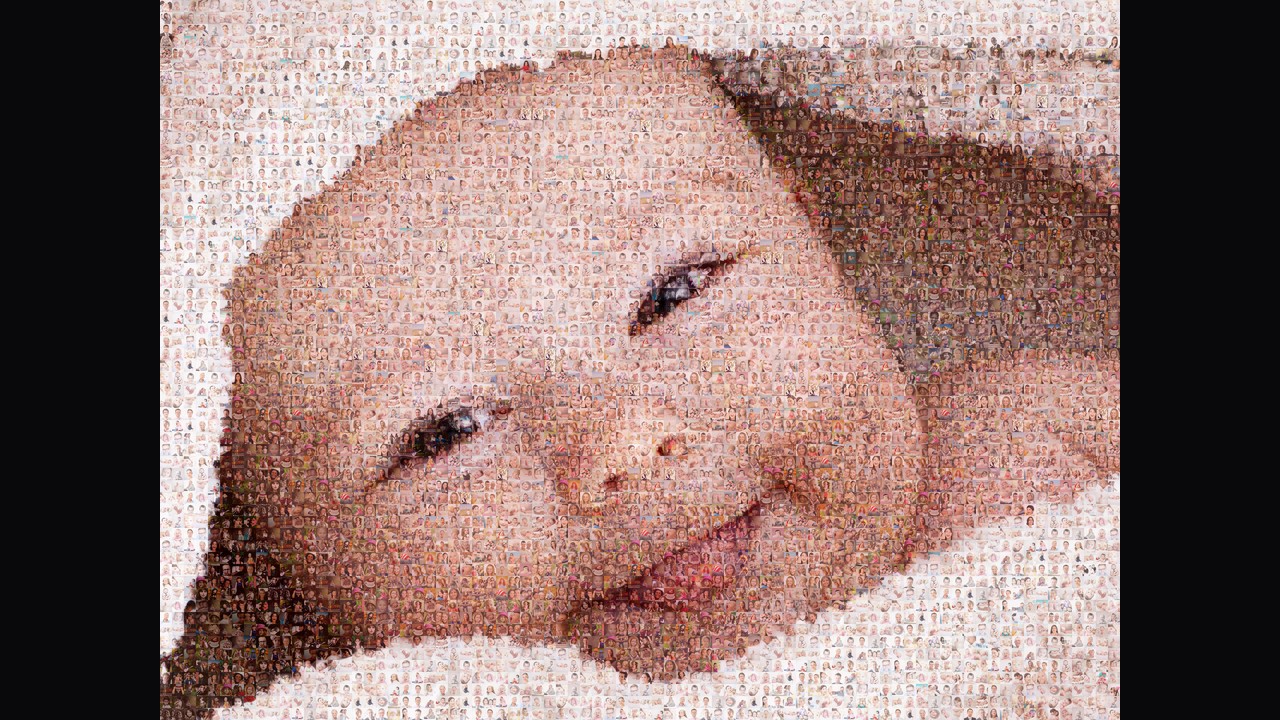
Baby portrait assembled from hundreds of small family photographs

Begin with a strong target image

A clear portrait, object or landscape provides a readable overall shape. The target defines the mosaic’s arrangement, so a simpler composition can remain recognizable when each part must be represented by a different photograph.

Try this workflow
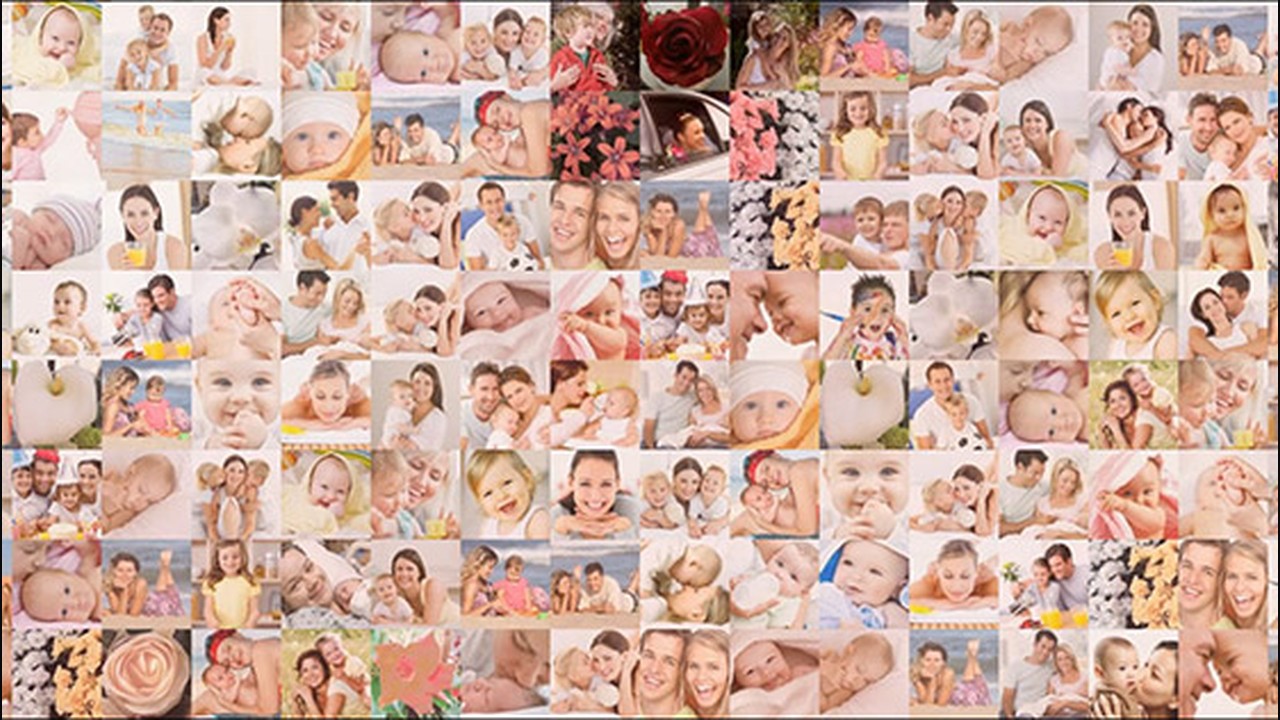
A collection of family portraits supplied as photo tiles

Bring a varied collection of tile photos

Add up to one hundred tile images from your own collection. Photos with different colors, brightness and compositions give the matching process more choices for light regions, dark regions and distinct areas of the target.

Try this workflow
Implemented mosaic workspace controls and preview

Balance variety with the main picture

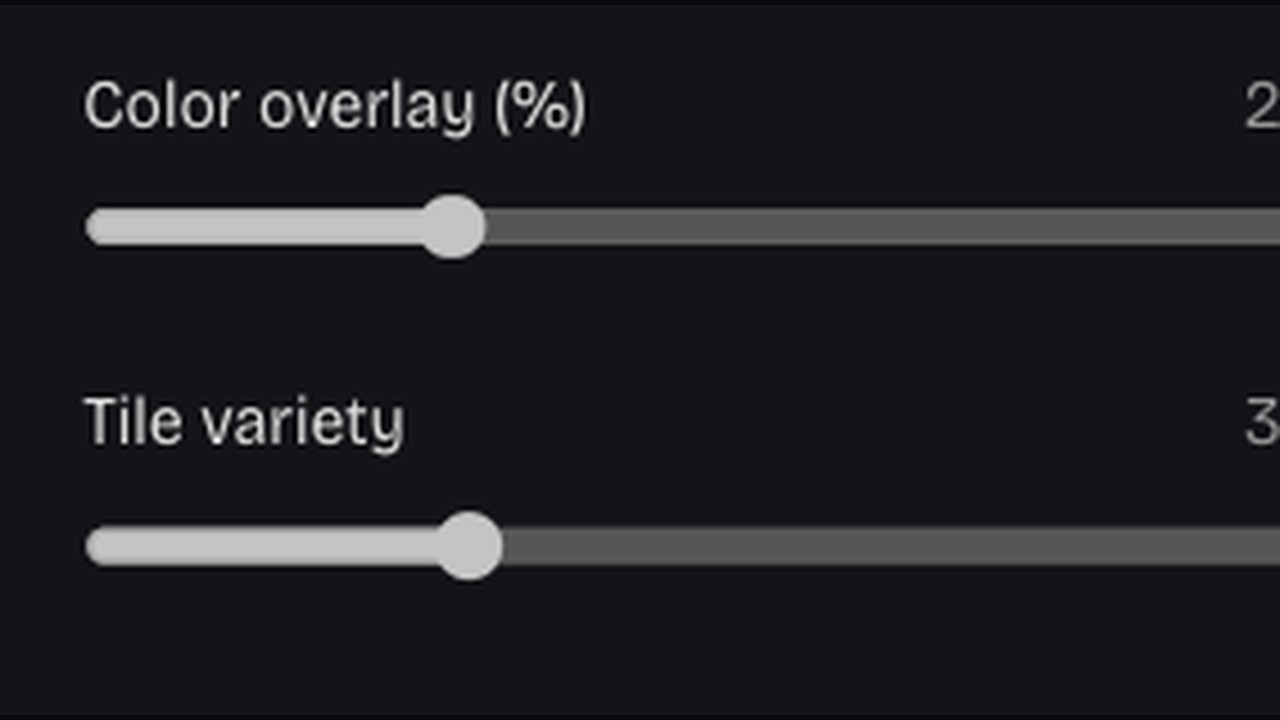
Tile variety discourages concentrated repetition, while color overlay strengthens the target’s appearance across the chosen photos. Adjust them together when a strong main subject and a visible personal collection both matter to the result.

Try this workflow

A picture that rewards a second look

A photo mosaic joins the story of a collection with the shape of one main image. The most useful settings protect both experiences: recognizing the subject at a glance and discovering the smaller photographs inside it.

A clear larger subject

Choose a target with a strong composition and adjust density around its outline. Let the overall picture remain readable from a normal viewing distance.

Your photos inside the result

Use a collection with meaningful moments and varied tones. The tiles become visible parts of the artwork rather than anonymous color squares.

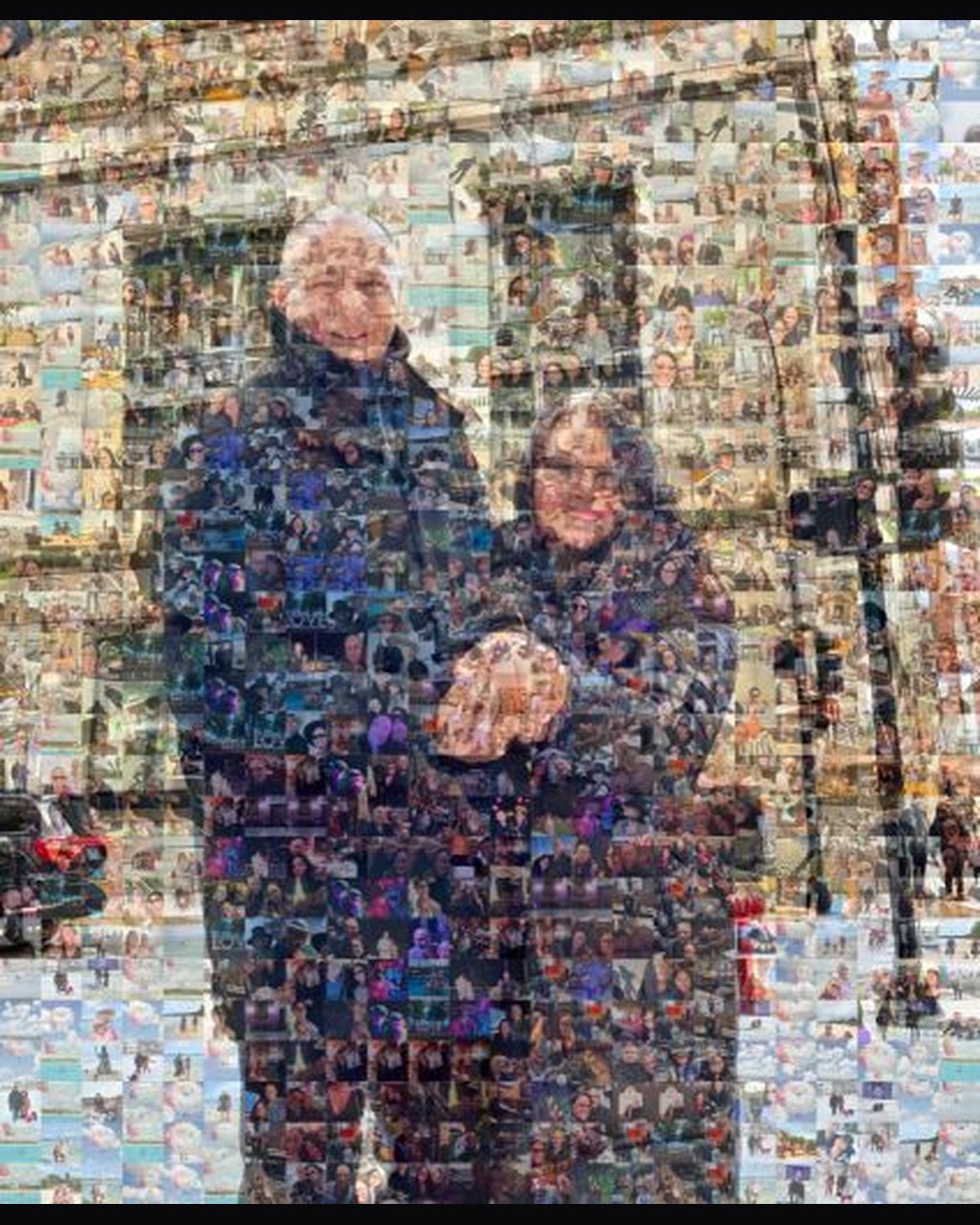
David and Katie  by ktvs in a real photo mosaic

Control over the balance

Compare more detail, less repetition and stronger color overlay. Keep the combination that fits the purpose of the mosaic instead of maximizing every control.

One composed image to keep

Export a PNG of the finished arrangement. Preserve your source collection separately if you want to revisit the design with another balance later.

Questions before you start

ASCII Art Generator

Build one picture from your own collection

Choose a target and meaningful tile photos, then find the balance that makes both worth a closer look.

Make a photo mosaic