Glitch Text Generator

Give a message a distorted character texture without turning it into an image. Choose a glitch style, control the marks around each letter, and copy the result after checking that the words remain readable.

Tool view
Glitch Text Generator · Preview1 lines · 81 characters
Ḁ̷̸̴̧̦̀̀̊S̸̴̷̥̤̲̐̀̐Ċ̷̶̶̨̣̤̓̓Ị̵̴̶̧̲̂́̑Į̵̸̶̨̧̀̐̄ Ą̶̷̵̧̩̂̓̐R̷̶̸̤̱̩̈̂̈T̵̷̷̘̗̤́̌̄

Processed on your device. Plain text uses a monospace font; PNG keeps the chosen colors.

Start with an example

Real outputs made with this tool. Load a sample, then make it yours.

Click to load · fully editable
Optional paid enhancements

Basic tools and their normal exports stay free. Subscription effects use no credits; AI rendering uses 1, 2 or 3 credits per attempt.

Premium effects

Basic, Pro and Max include all six effects. No credits are charged. Your free tools and original exports stay available.

Applies to a snapshot scaled to at most 1024 pixels per side and 1 MiB. Video and animation use the current frame. Text remains unchanged.

AI artwork rendering · 1–3 credits

Finish your current artwork with AI. All accounts can use credits; a subscription is optional. For animation and video, only the current frame is used.

This action uploads a bounded image of your current result to our AI service. Your original text, frames and source remain unchanged. A new render uses the displayed credit cost. Check your credit history for any adjustments after a failed generation.

AI render1 credit

Keep the message, change its texture

The letters provide the message; combining marks create the effect around them. Compare a restrained treatment with a denser one and choose the point where the atmosphere supports the words rather than making them disappear.

Original input

SIGNAL LOST

Result example

Ṣ̵̉Į̸̽G̴̱̅N̶̰͂A̛̺̚L̬̄͡ L̥̅̕Ǒ̵̪Ṡ̛̙Ṫ̕ͅ

Create a text effect in three steps

Create glitch text

Enter a short message

Type a phrase, name or heading into the text field. A short message makes it easier to compare styles and check whether the underlying words remain recognizable.

Set the style and intensity

Choose a named effect, adjust its intensity where applicable, and control marks above, through or below the letters. Shuffle for another arrangement when you want variation.

Copy and check the destination

Copy the output into the application where you plan to use it. Check how that font handles combining marks and keep a plain version of the message.

A distorted look with deliberate choices

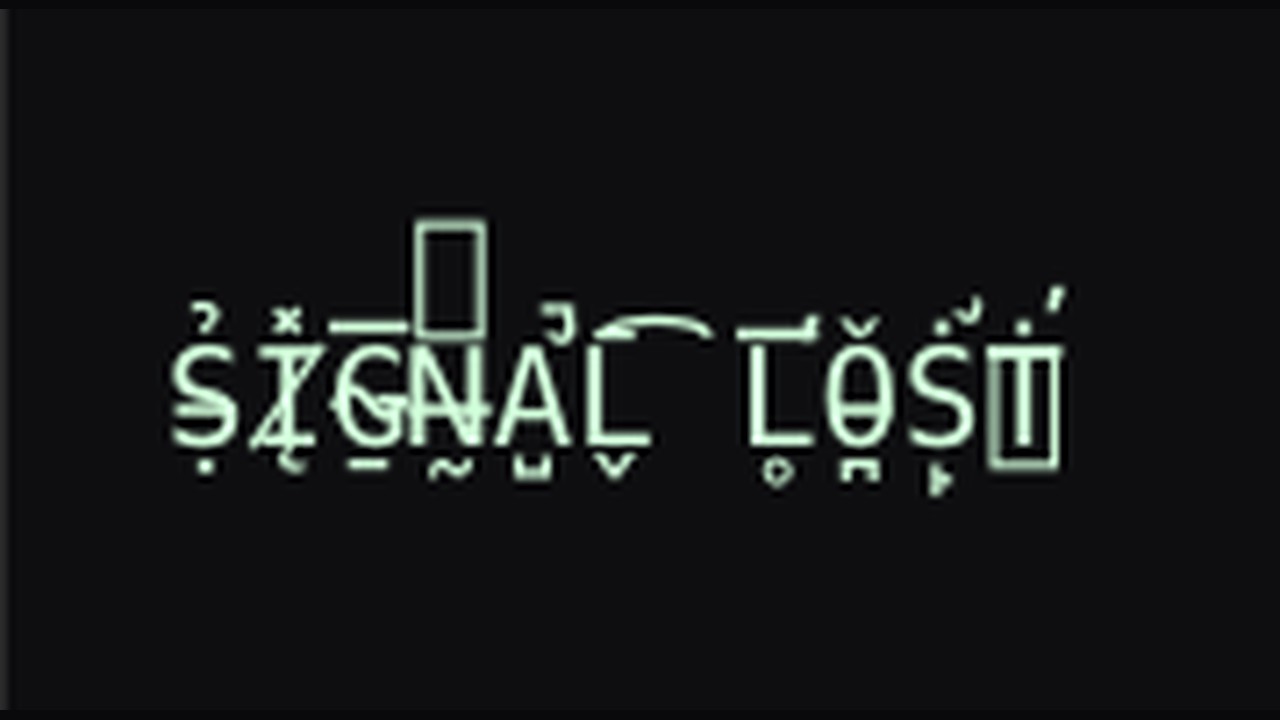
SIGNAL LOST with actual cursed Unicode combining marks

Start with a recognizable message

Glitch text works best when readers can still recover the words underneath the effect. Short titles, scene labels and character names offer room for distortion without asking someone to decode an entire paragraph.

Try this workflow
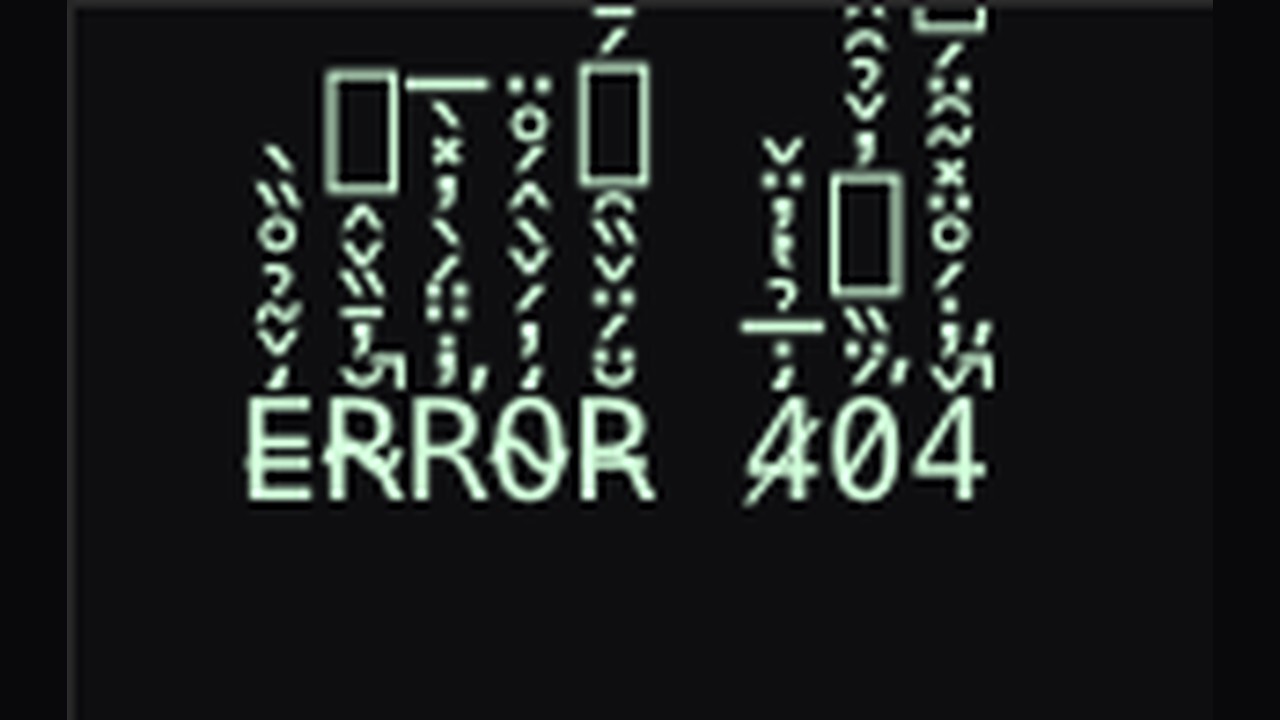
ERROR 404 with actual halo Unicode combining marks

Choose a style for the atmosphere

Eight styles include Cursed, Zalgo, Void, Halo and simple line effects. Compare them on the same phrase to see whether scattered marks, surrounding accents or a single strike better match your visual idea.

Try this workflow
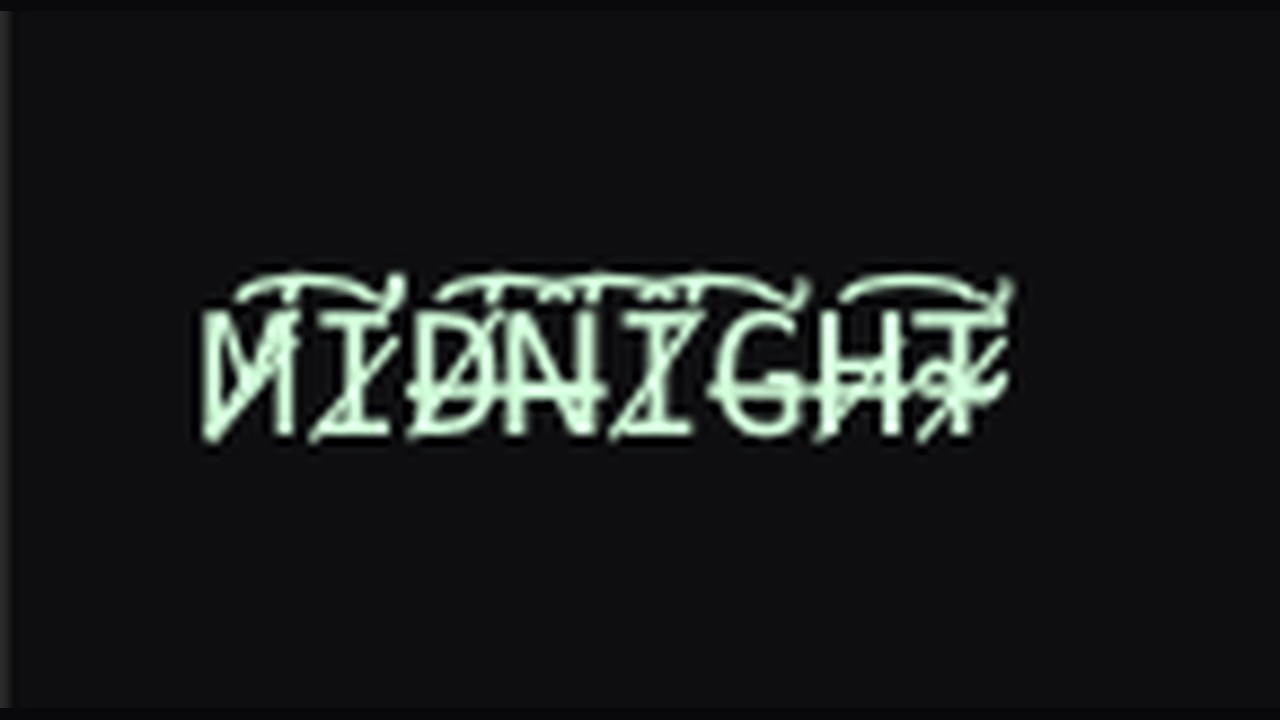
MIDNIGHT with actual scratched Unicode combining marks

Control where the marks appear

Direction choices position supported combining marks above, through or below the letters. Use them to leave more breathing room near neighboring lines, or to concentrate the visual disturbance where the composition needs it.

Try this workflow
LOADING with actual zalgo Unicode combining marks

Balance intensity with legibility

Increase the mark density for a louder texture or reduce it for a hint of interference. A lower setting often works better for a name that must be recognized quickly in a compact profile or label.

Try this workflow
RETURN with actual underline Unicode combining marks

Use a restrained line effect

Simple underline, overline and strikethrough styles apply one consistent mark to each letter. Use them when a message needs a clearer boundary or emphasis, and compare the result with a denser effect before choosing.

Try this workflow
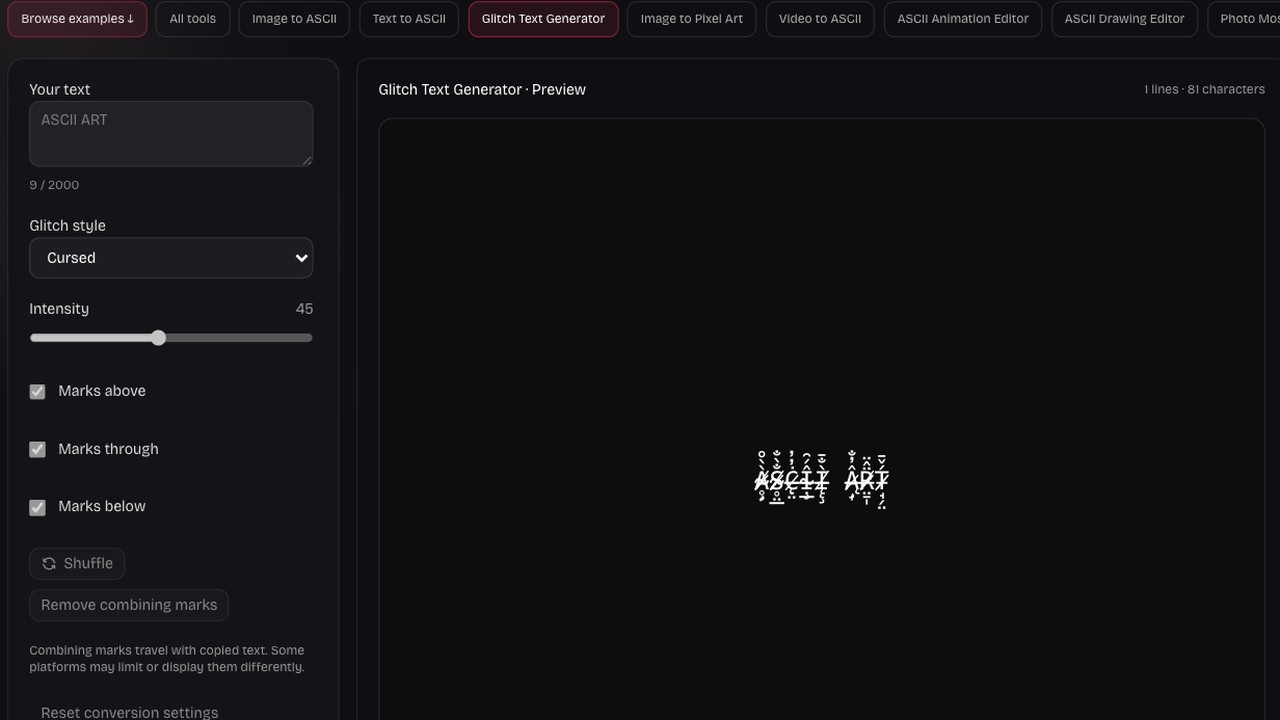
Implemented glitch workspace controls and preview

Return the message to simpler text

The clean action removes supported combining marks from the input so you can begin again with a plainer phrase. Copy a plain backup when accents are important, because legitimate accented letters can also be affected.

Try this workflow

Use texture where the words still matter

Corrupted text can suggest interference, a haunted message or a broken signal. The useful result is a controlled visual cue that suits the destination while leaving enough of the original language for readers to understand.

A stronger scene cue

Use a brief label to establish a mood in a game concept, poster draft or message. Let the surrounding design carry longer explanations.

Direction with a purpose

Concentrate marks around the letter shapes you want to emphasize. Consider nearby lines and interface spacing before choosing a dense effect.

NO SIGNAL as an actual competitor glitch example

Variations without retyping

Keep the same words while trying another mark arrangement. Compare alternatives quickly, then copy the version that best fits your composition.

Copyable character output

The effect is text, so you can paste it into compatible fields. Always check the destination because fonts and text rules differ.

Questions before you start

ASCII Art Generator

Give a short message a distorted texture

Try a style, adjust the marks and copy a version that keeps your message readable.

Create glitch text