ASCII Drawing

Draw a character scene directly on the grid and decide where every mark belongs. Use brushes, shapes and text editing, revisit changes with undo, then copy the artwork or export a version for your destination.

Character canvas 40 × 18

Edit freely. Undo restores deleted frames and cleared artwork.

Optional paid enhancements

Basic tools and their normal exports stay free. Subscription effects use no credits; AI rendering uses 1, 2 or 3 credits per attempt.

Premium effects

Basic, Pro and Max include all six effects. No credits are charged. Your free tools and original exports stay available.

Applies to a snapshot scaled to at most 1024 pixels per side and 1 MiB. Video and animation use the current frame. Text remains unchanged.

AI artwork rendering · 1–3 credits

Finish your current artwork with AI. All accounts can use credits; a subscription is optional. For animation and video, only the current frame is used.

This action uploads a bounded image of your current result to our AI service. Your original text, frames and source remain unchanged. A new render uses the displayed credit cost. Check your credit history for any adjustments after a failed generation.

AI render1 credit

Start with a drawing

Open an editable project, then make it your own. Your current work is protected before you switch.

Click to load · fully editable

Build the outline, then choose its texture

A character has both a shape and a visual weight. Start with a simple contour, compare lighter and denser glyphs, and add detail only where it helps the drawing read at the size you plan to share.

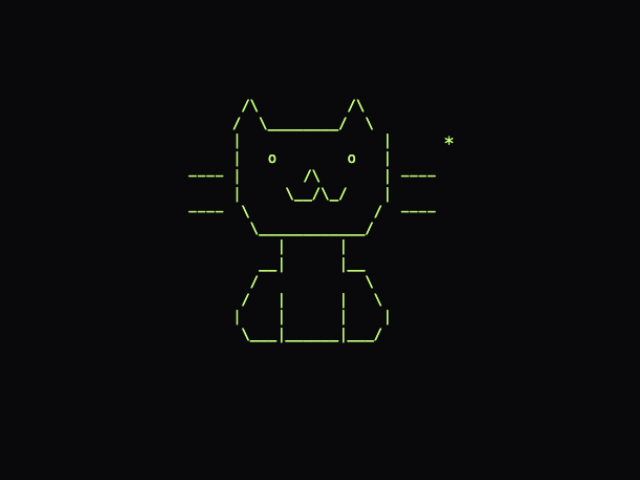
Original input


               /\          /\                   
              /  \________/  \                  
              |                |      *         
              |   o        o   |                
         ---- |       /\       | ----           
              |     \__/\_/    |                
         ----  \              /  ----           
                \____________/                  
                   |      |                     
                 __|      |__                   
                /            \                  
               /   |      |   \                 
              |    |      |    |                
               \___|______|___/                 


Result example

The corresponding existing PNG rendering of the same cat

Draw a character scene in three steps

Start your drawing

Set a grid for the idea

Choose the columns and rows, then select a brush character. Start with enough room for the main outline without adding a canvas larger than the scene needs.

Draw and refine the characters

Use the brush, erase, line, rectangle and fill modes, or edit the text directly. Pan and zoom for placement, and use undo to revisit an unwanted change.

Copy, export and keep a backup

Copy the drawing or download TXT, HTML or PNG for its destination. Export a JSON project when you want to preserve an editable backup or continue on another device.

Place each character with a clear purpose

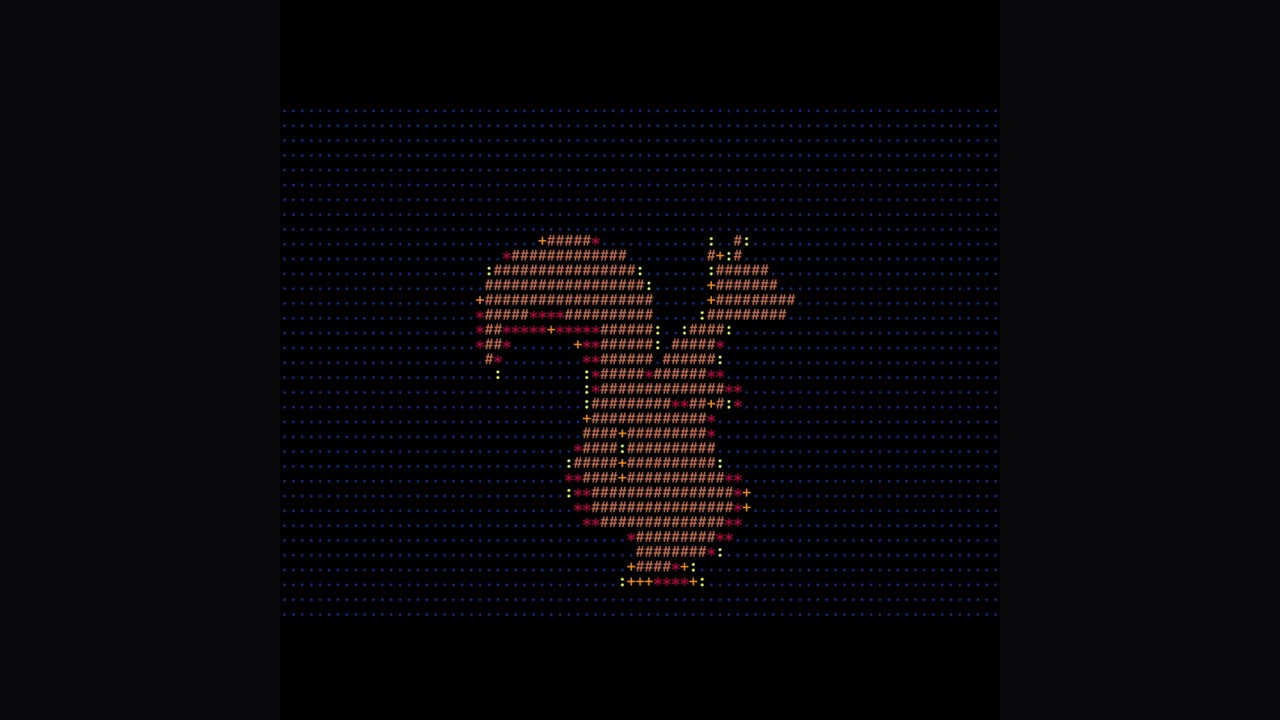
ASCII squirrel, public artwork by CameronFoxly

Use glyphs as your drawing material

The brush places your selected character into grid cells. Compare letters, punctuation and denser symbols for contours and shading, making the artwork from deliberate marks rather than relying on a photographic source to decide them.

Try this workflow
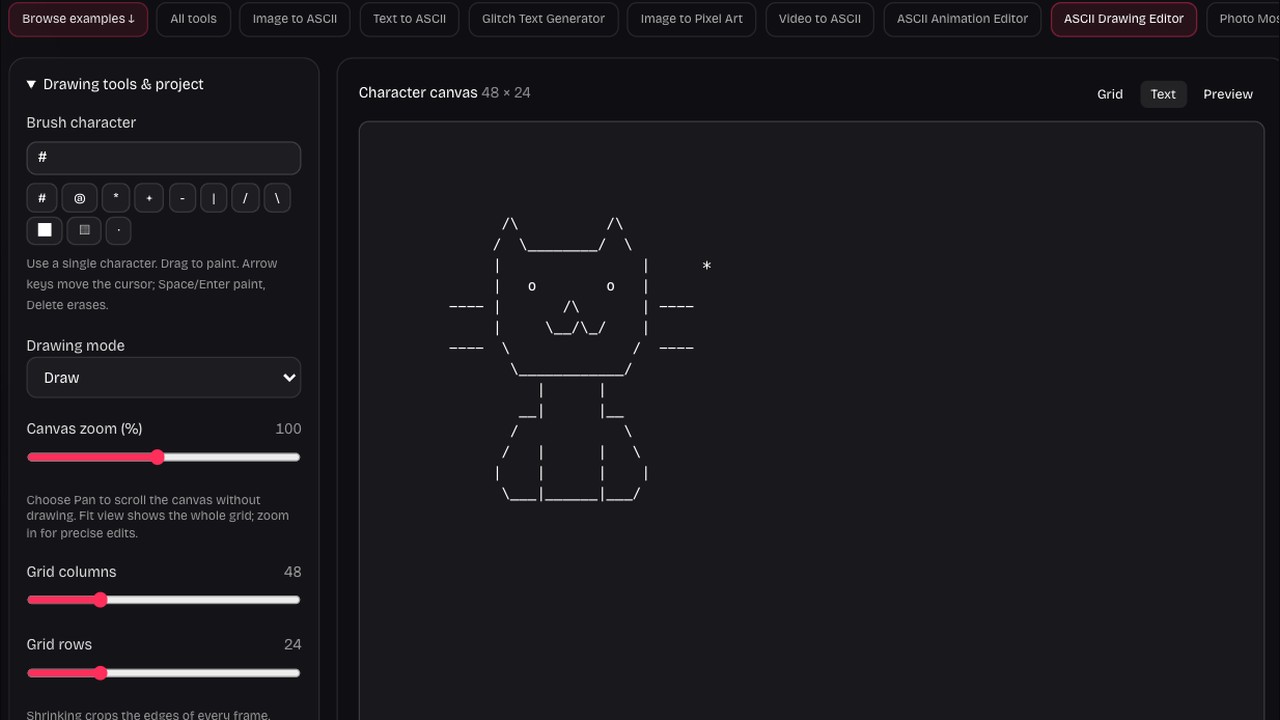
Actual Text edit mode with the accepted character cat project

Move between canvas and text editing

The drawing is also editable character text. Paste a prepared sketch or replace a small section in the text view, then return to the grid to inspect how the arrangement reads as a complete scene.

Try this workflow
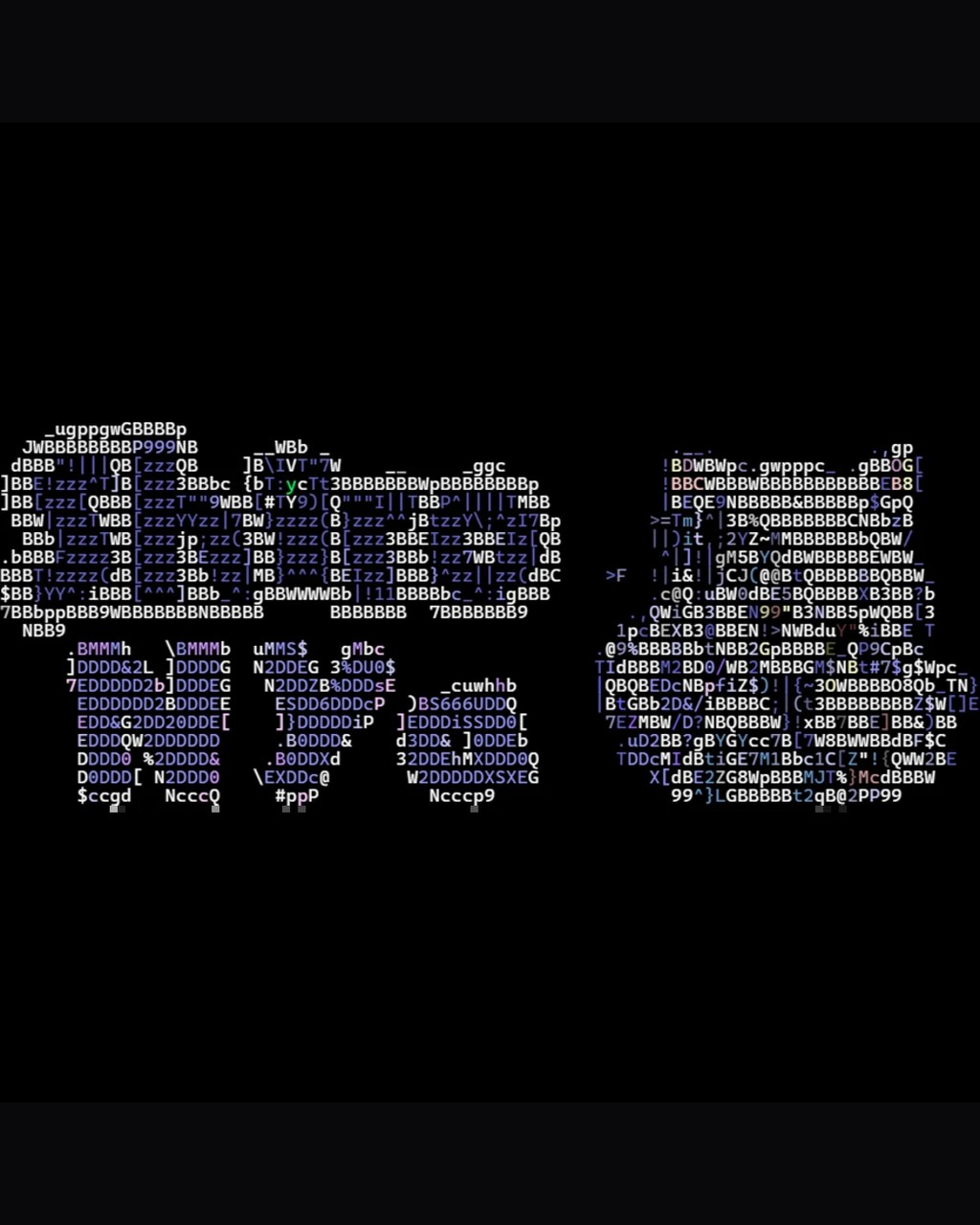
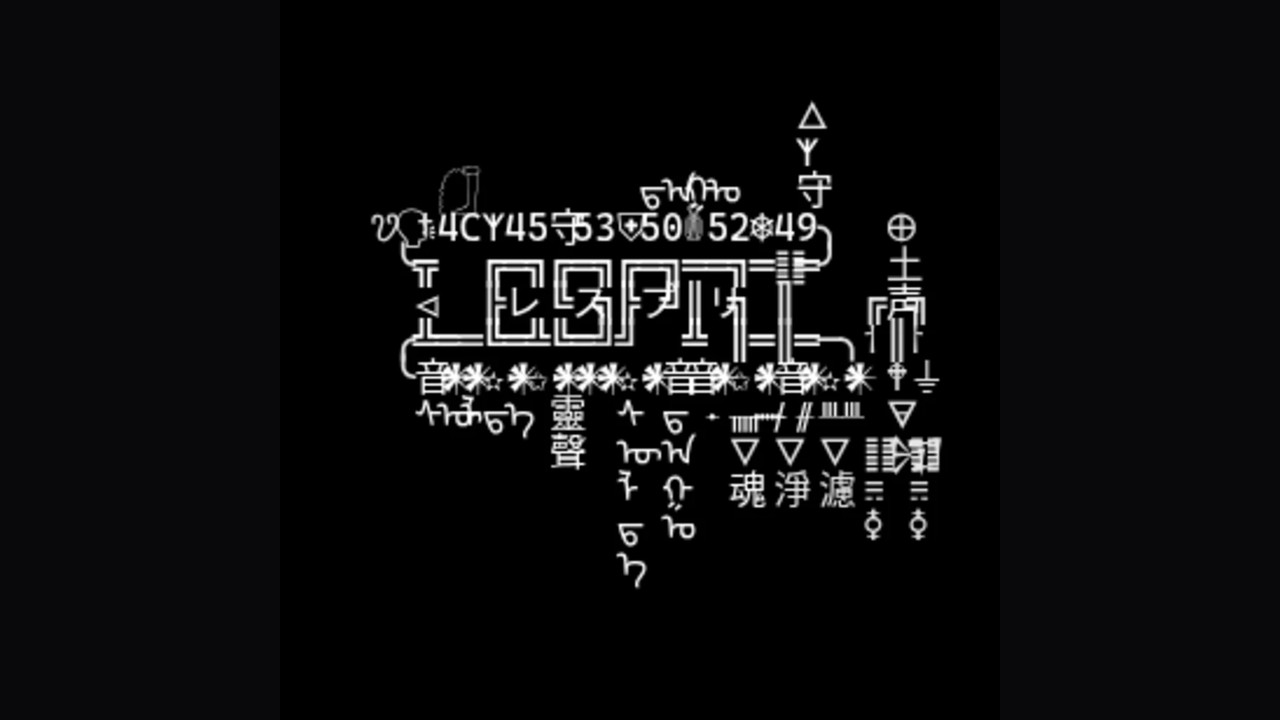
Graphic made of mixed symbols and lettering

Inspect a detail without losing the scene

Zoom for precise placement and use Pan to move across the canvas without drawing. Fit view restores the complete grid, making it easier to compare a close edit with the overall silhouette and surrounding negative space.

Try this workflow

A drawing you understand cell by cell

Direct grid editing suits small scenes, diagrams and decorative characters when an automatic conversion would decide too much for you. Every brush mark is part of the text structure that you can inspect, change and export.

Intentional character placement

Choose a glyph and put it where the outline needs it. Build detail around the subject rather than accepting a preset texture.

Useful shape tools

Construct edges and enclosed areas with line, rectangle and fill modes. Refine those foundations with the brush when the scene needs individual marks.

Character lettering from a public ASCII Motion project

Space to inspect and revise

Zoom into a detail, pan around the grid and return to the full scene. Undo helps you compare a new approach with an earlier version.

An editable backup

Export the project as JSON when you want to return later. Keep text or image exports separately for the places where you share the drawing.

Questions before you start

ASCII Art Generator

Put your idea on a character grid

Choose a brush, build a clear outline and keep a drawing you can edit or share.

Start your drawing