ASCII Animation

Build a moving scene from characters, one frame at a time. Draw on the grid, duplicate a pose, arrange the sequence and preview its rhythm, then keep an editable project or export a looping GIF.

Animation studio 40 × 18

Frame 1 / 2

Edit freely. Undo restores deleted frames and cleared artwork.

Optional paid enhancements

Basic tools and their normal exports stay free. Subscription effects use no credits; AI rendering uses 1, 2 or 3 credits per attempt.

Premium effects

Basic, Pro and Max include all six effects. No credits are charged. Your free tools and original exports stay available.

Applies to a snapshot scaled to at most 1024 pixels per side and 1 MiB. Video and animation use the current frame. Text remains unchanged.

AI artwork rendering · 1–3 credits

Finish your current artwork with AI. All accounts can use credits; a subscription is optional. For animation and video, only the current frame is used.

This action uploads a bounded image of your current result to our AI service. Your original text, frames and source remain unchanged. A new render uses the displayed credit cost. Check your credit history for any adjustments after a failed generation.

AI render1 credit

Start with a motion study

Open an editable project, then make it your own. Your current work is protected before you switch.

Click to load · fully editable

Small changes can carry the whole movement

A character moving one cell, a changing expression or a flickering light can make a scene feel alive. Compare neighboring frames to keep the subject consistent while giving each step a clear role in the motion.

Original input

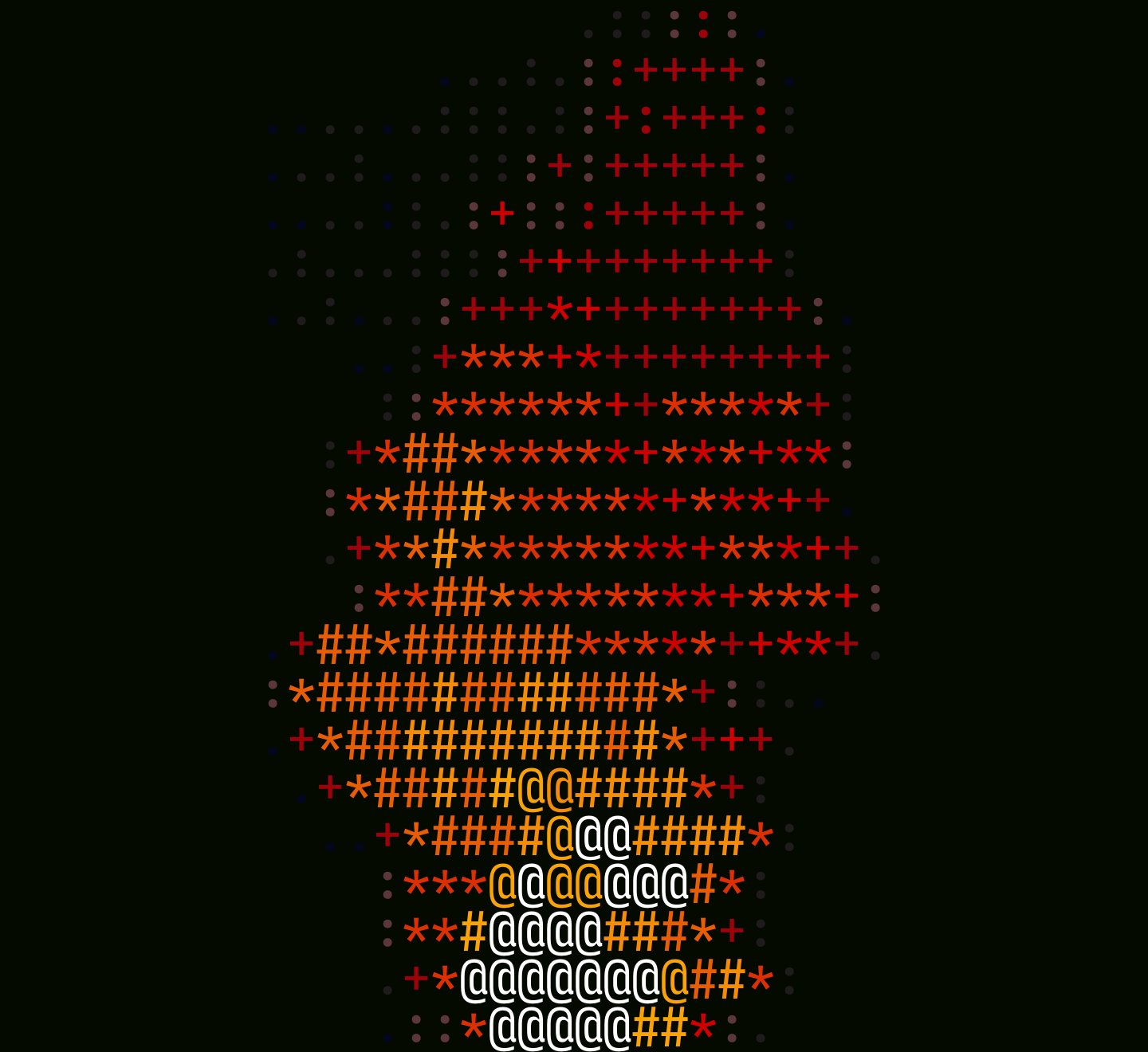
A static frame of the public Fire character animation

Result example

Build an animation in three steps

Start animating characters

Draw the first clear pose

Set the grid size and use a character brush, shapes or direct text editing to establish the scene. Begin with an outline that reads clearly at the intended size.

Build and arrange the sequence

Duplicate a frame for small changes or add a blank frame for a new pose. Use onion skin and timeline controls to compare positions and organize the motion.

Preview, save and export

Choose the playback speed and watch the full sequence. Export a GIF to share the motion and a project JSON file when you want to continue editing later.

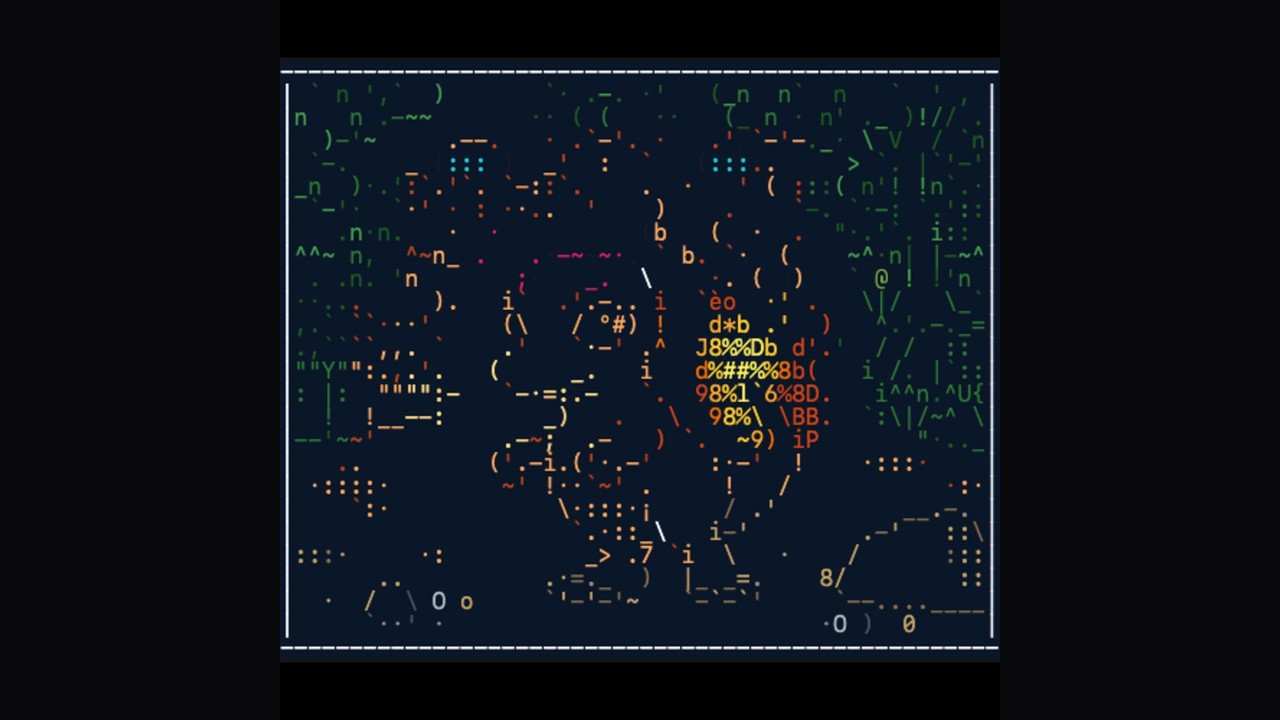
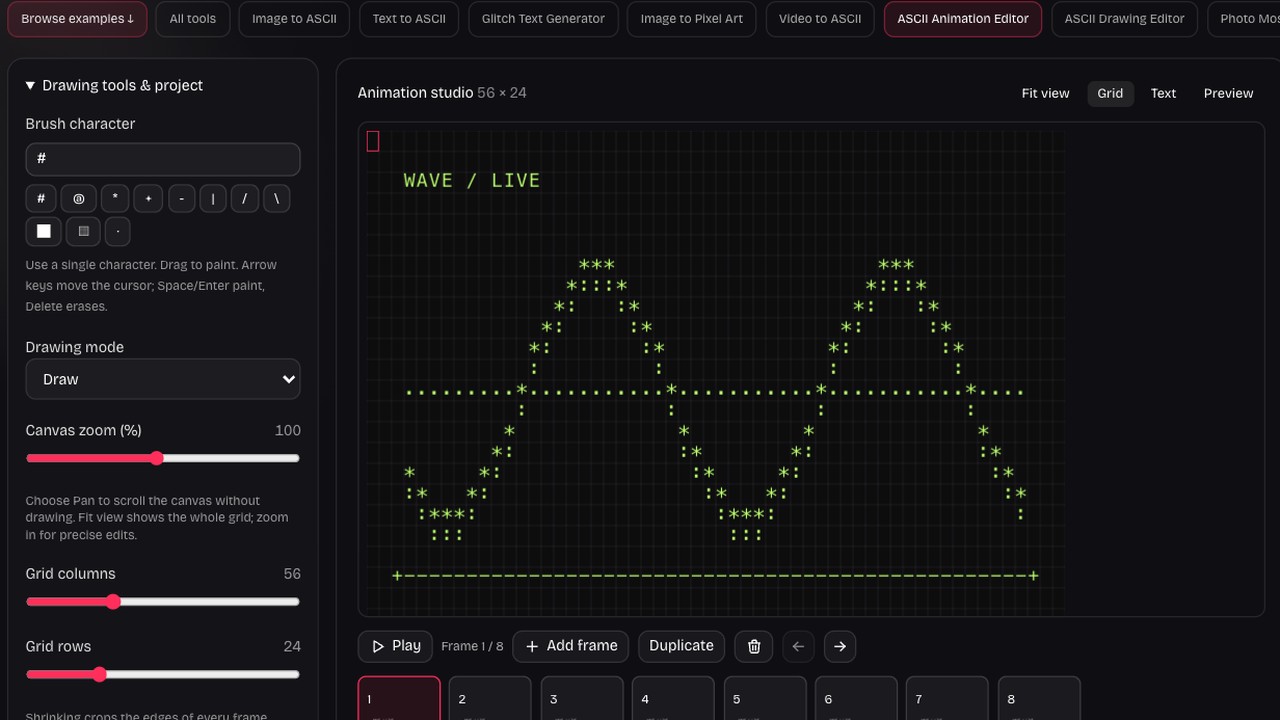
A character canvas with a frame timeline

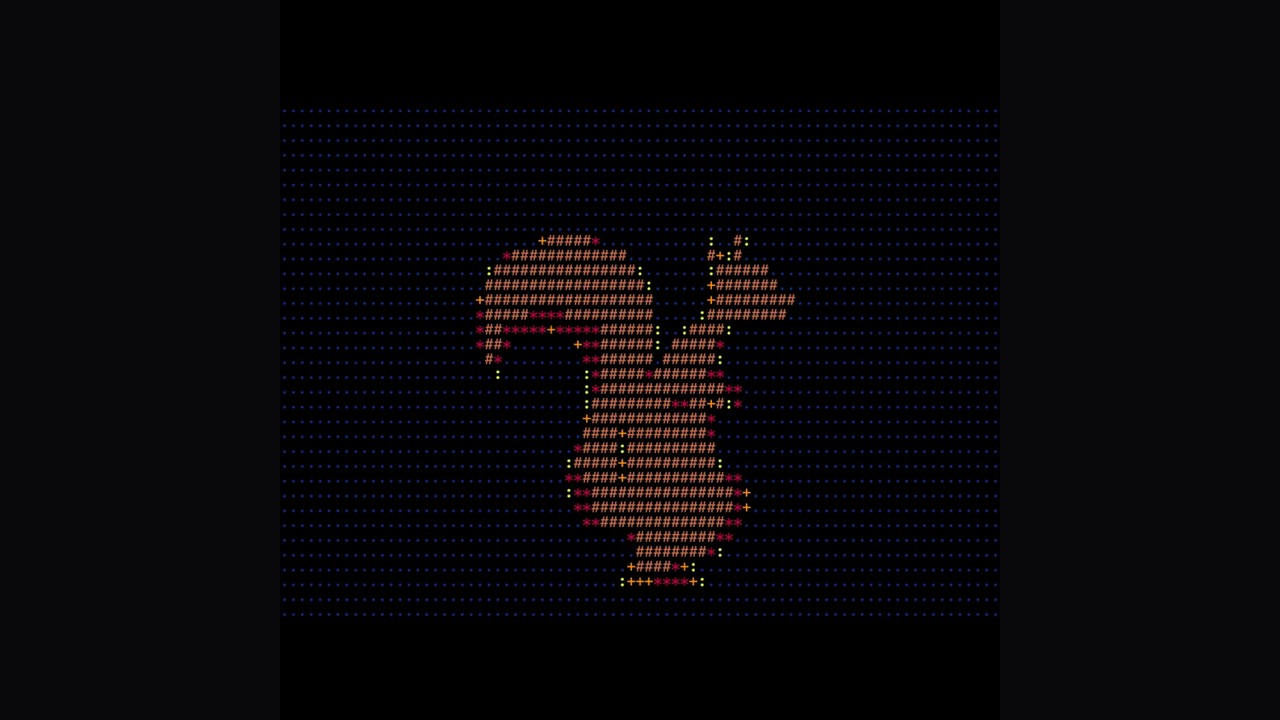
ASCII squirrel, public artwork by CameronFoxly

Start from an intentional character drawing

Brush, erase, line, rectangle and fill tools help build the first pose on a fixed grid. Pick characters for their shape and density so the subject has a recognizable outline before you add movement.

Try this workflow
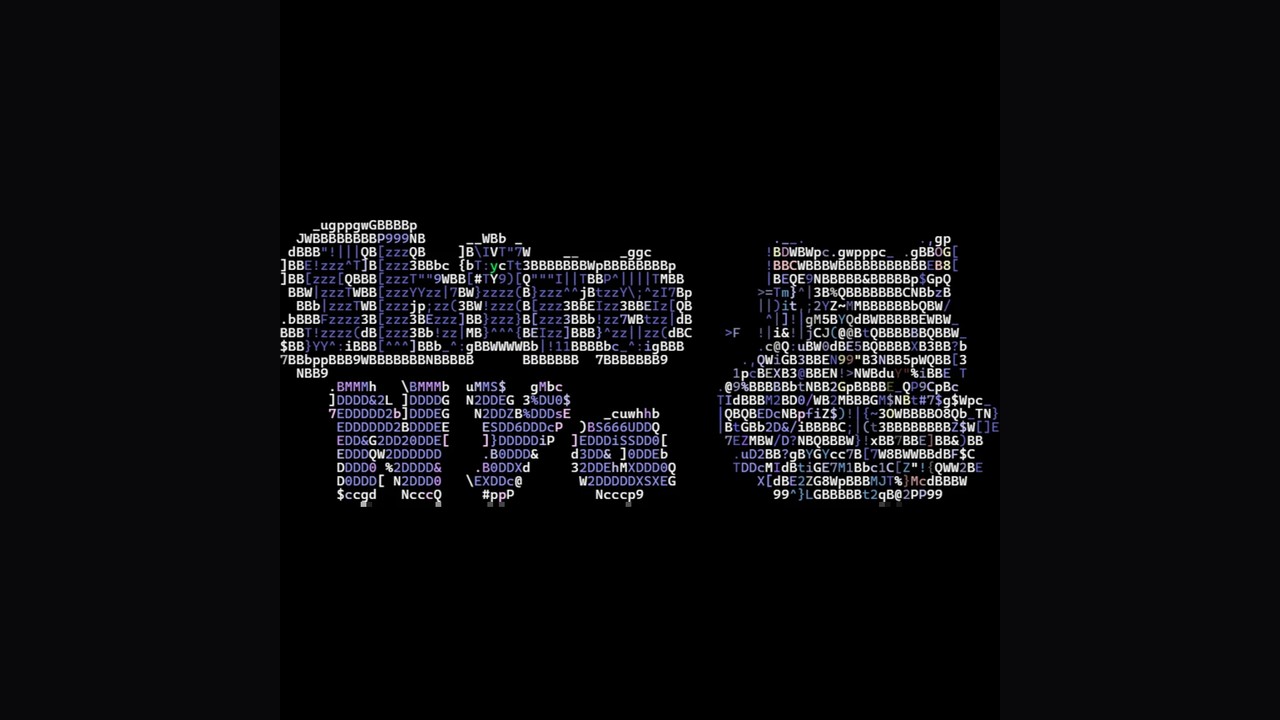
Character lettering from a public ASCII Motion project

Duplicate before making a small change

Copy a frame when the next moment shares most of the scene. Move an edge, change an expression or adjust a few cells rather than redrawing everything, keeping stationary details consistent through the sequence.

Try this workflow
Implemented animation workspace controls and preview

Give every frame a place in the sequence

The timeline lets you select, add, duplicate, remove and reorder frames. Review the sequence around a transition so a useful pose appears where it supports the action rather than simply extending the animation.

Try this workflow
Character portrait with a fine cell grid

Compare positions with onion skin

Show the previous frame behind the current one to judge a movement’s distance and direction. This reference helps you keep a body, face or object aligned when a small shift needs to read as motion.

Try this workflow
Circular character artwork

Set the pace by watching the result

Choose a playback rate from one to twenty four frames per second. Preview the complete loop and adjust the pace until the gesture is readable, with enough time for the important poses to register.

Try this workflow
Graphic made of mixed symbols and lettering

Keep an editable project and a shareable loop

Local drafts support returning in the same browser, while JSON export gives you a portable project backup. GIF export renders the sequence as a silent looping image with a solid background for visual sharing.

Try this workflow

Build movement from choices you can see

Frame editing gives you direct control over the character positions that create the motion. A consistent grid, reversible edits and a visible timeline help turn a small idea into a sequence you can refine.

A stable character stage

Keep the scene on one grid so neighboring poses align. Simple outlines leave room for the movement to be understood at a glance.

Changes with context

Compare the current pose with the previous frame. Use small, deliberate differences when the motion depends on precise character placement.

Pixel spacecraft, public Copilot with Shaders artwork

A rhythm you can preview

Watch the complete sequence before exporting. Adjust the frame order and speed around the gesture rather than judging only isolated drawings.

A project you can revisit

Save a JSON backup alongside the GIF. The project retains editable frames for later changes instead of leaving you with only a rendered image.

Questions before you start

ASCII Art Generator

Make a small character scene move

Draw a pose, build its next moments and export a loop that carries your idea.

Start animating characters